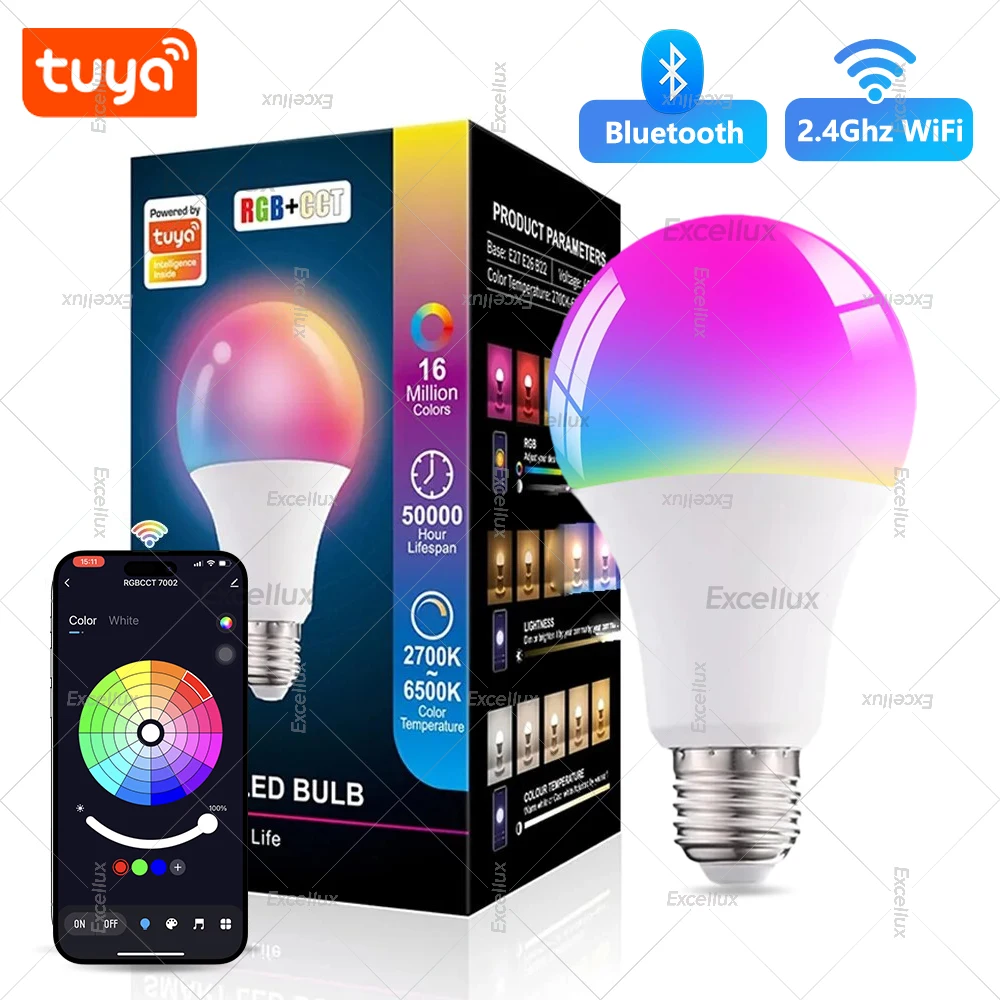
Tuya WiFi Bluetooth Smart LED Light Bulbs 15W AC85-265V Dimmable Alexa Led Lamp E27 RGB CCT Smart Life Control Color Change Lamp


Tuya WiFi Bluetooth Smart LED Light Bulbs 15W AC85-265V Dimmable Alexa Led Lamp E27 RGB CCT Smart Life Control Color Change Lamp
SPECIFICATIONS
Area: 3-8㎡
Average Life (hrs): 50000
Base Type: E27
Beam Angle(°): 270°
Brand Name: Excellux
Certification: ce,ROHS,RoHS,CE
Choice: yes
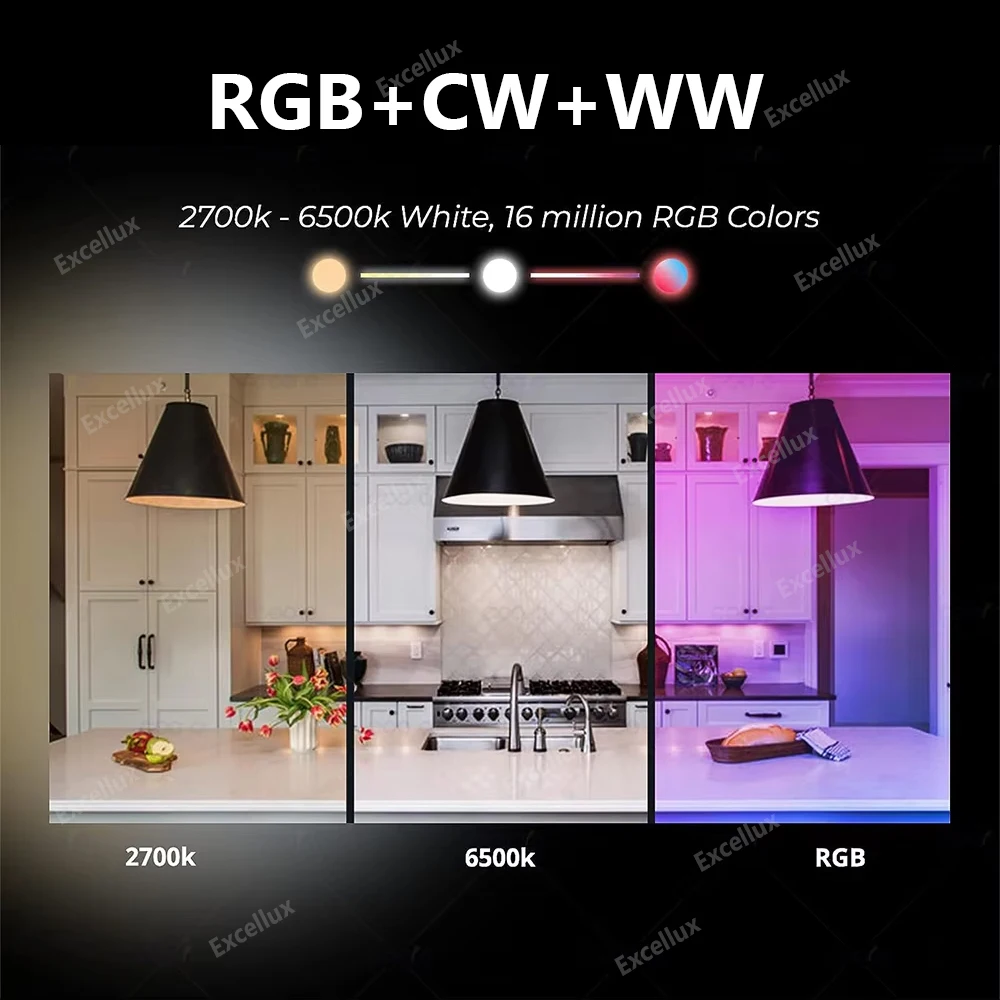
Color Temperature: 2700K~6500K
High-concerned chemical: None
Is Smart Device: Yes
Item Type: LED bulbs
LED Chip Brand: Epistar
LED Chip Model: 2835
Led Bulb Type: Bubble Ball Bulb
Luminous Flux: 249-2000,250 - 499 Lumens
Model Number: XLD-WIFBLE-A19
Occasion: LIVING ROOM
Origin: Mainland China
Power Source: AC
Shape: Globe
Voltage: AC 85-265V
semi_Choice: yes
Attention
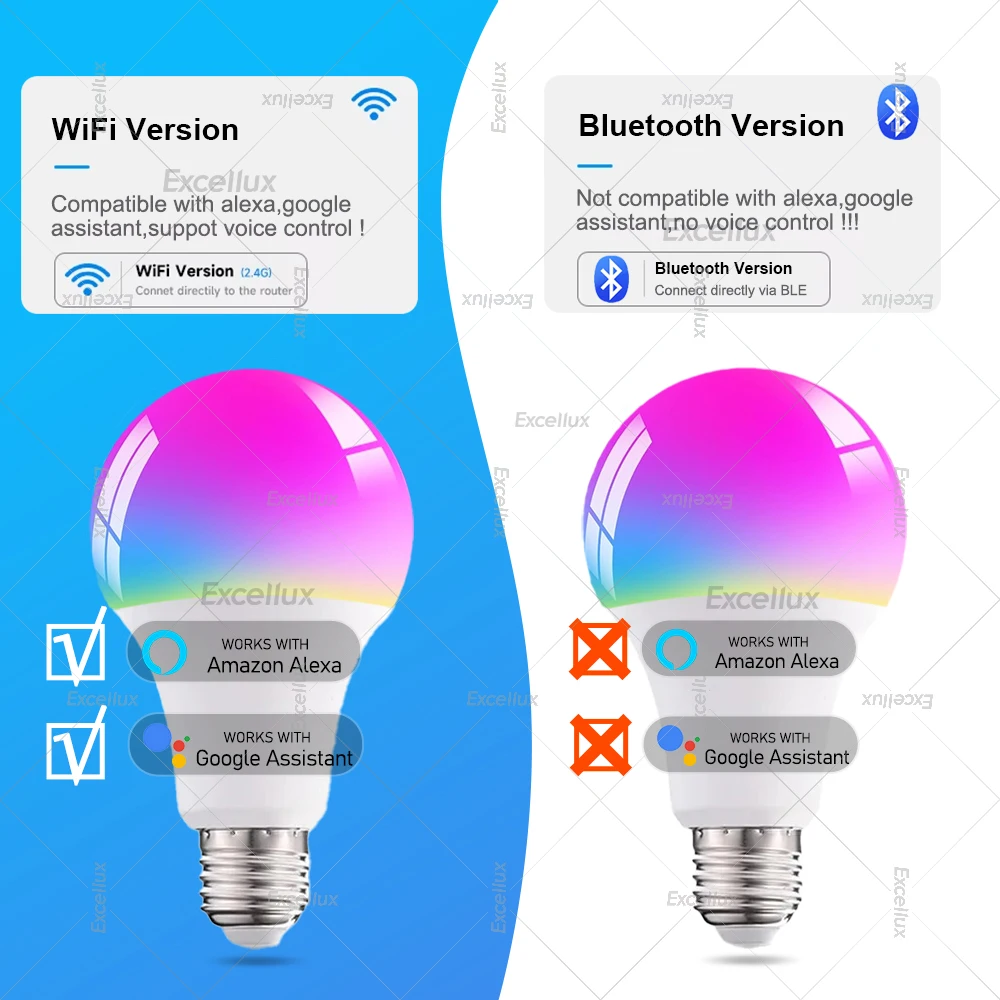
1.Bluetooth Lamps: work with bluetooth connection ,not support for Alexa, not support for Google assiatant.It can not connect to any voice assistant.
2.WIFI Lamps: work with wifi 2.4ghz network ,support connect to Alexa, can connect to Google Home.
3.Voltage :AC 85-265V 15W
4.Bluetooth lamp can't support alexa google voice , so how to make it work with alexa ? ,the solution is that ,you can use it with one tuya zigbee bluetooth gateway or tuya zigbee multi mode gateway ,then you can use voice control via alexa.
Product name : Smart Led bulb Light
Material: Aviation Aluminum, plastic
Socket Type: E27
Color : RGB+WW+CW =15W
Package : 1 Piece
APP Download: Smart Life/Tuya Smart
Connection method :optional
(Wilress bluetooth or 2.4GHz Wi-Fi)
Light color: RGB + Warm white + White
How to connect with smart life APP?
1. Download the Smart Life app, register an account and login
2. Click "+" in the upper right corner - Add Manually - Lighting -Lighting (Wi-Fi/BLE)
3. Turn on the switch 3 times: on-off-on-off-on until it's flashed quickly
4. Click "confirm light blinks rapidly" and then input the correct WiFi password (2.4Ghz WiFi)
5. Within 30 seconds, it will be connected
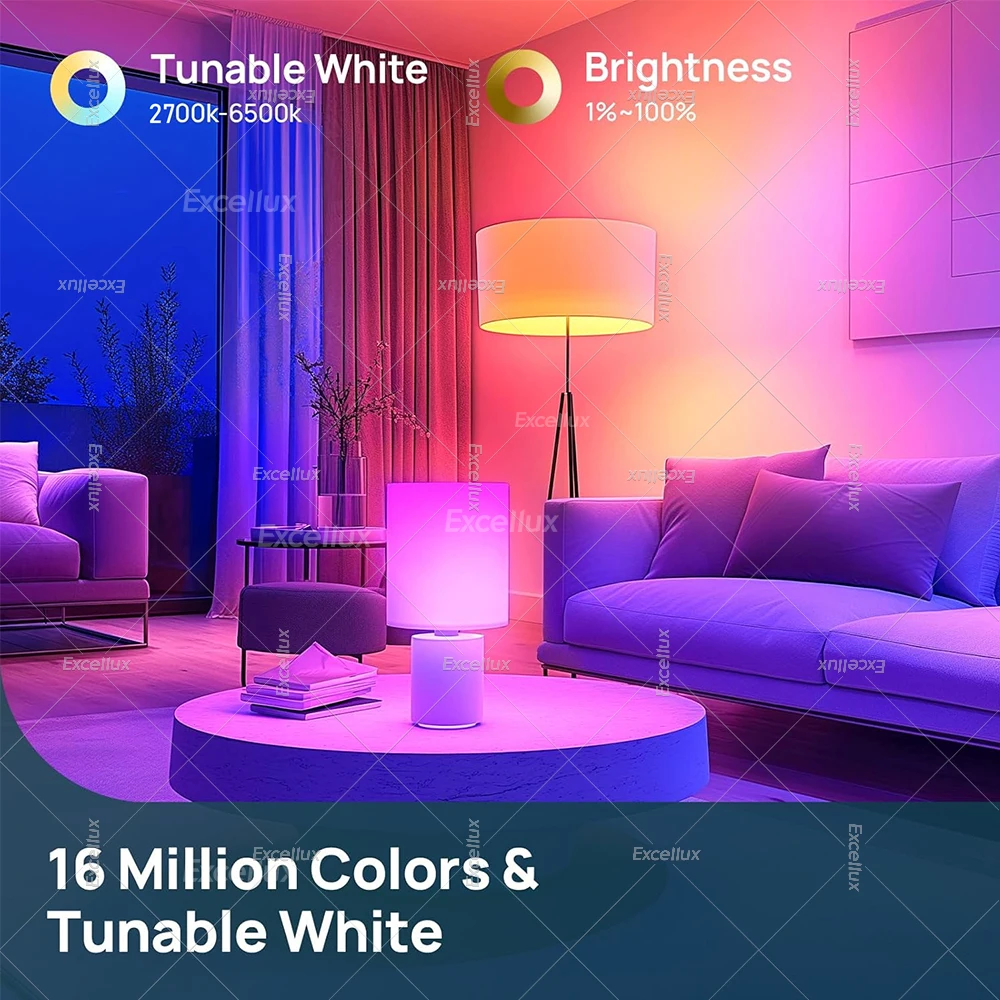
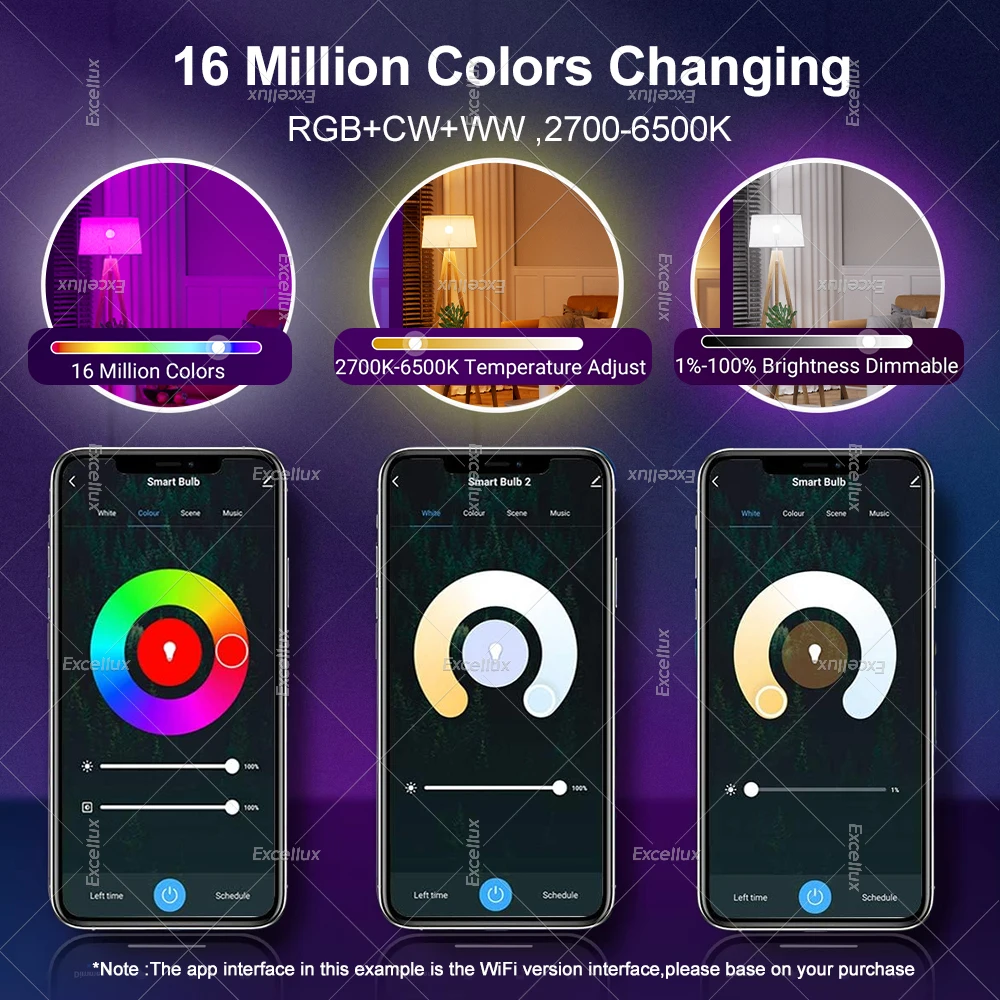
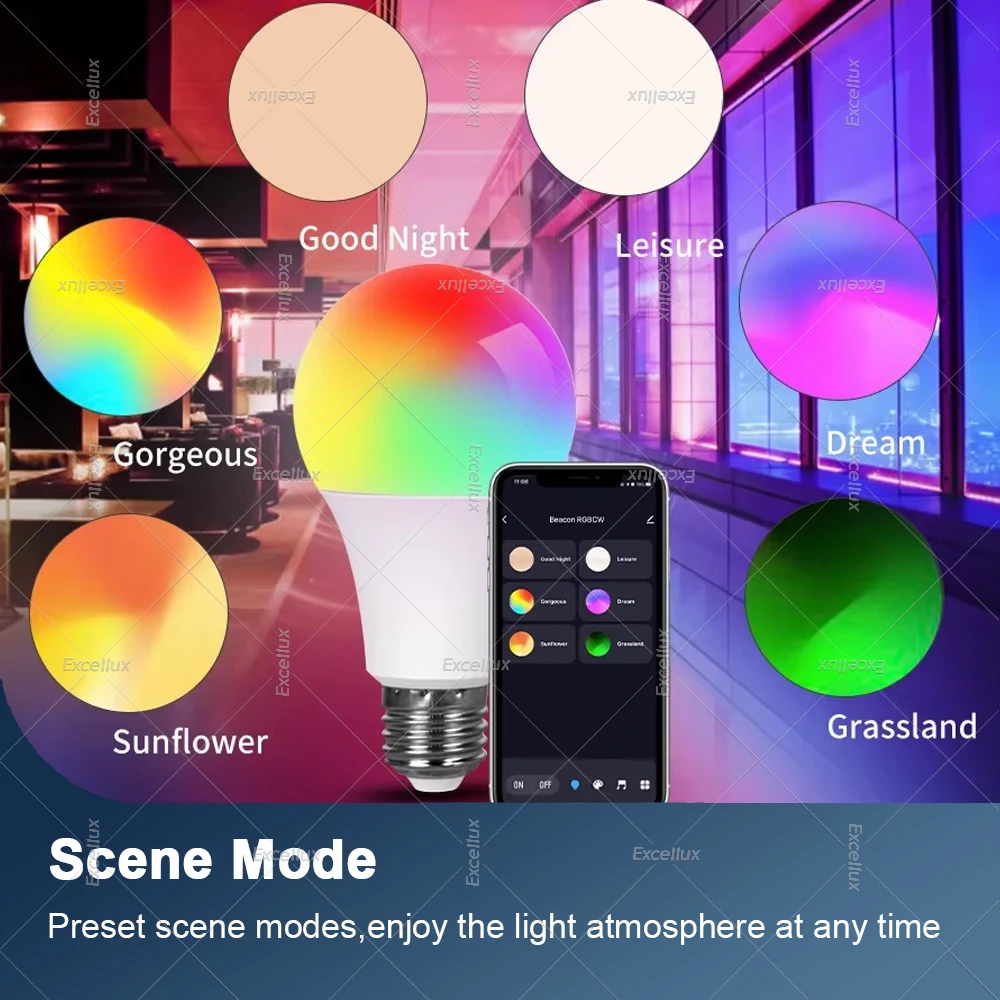
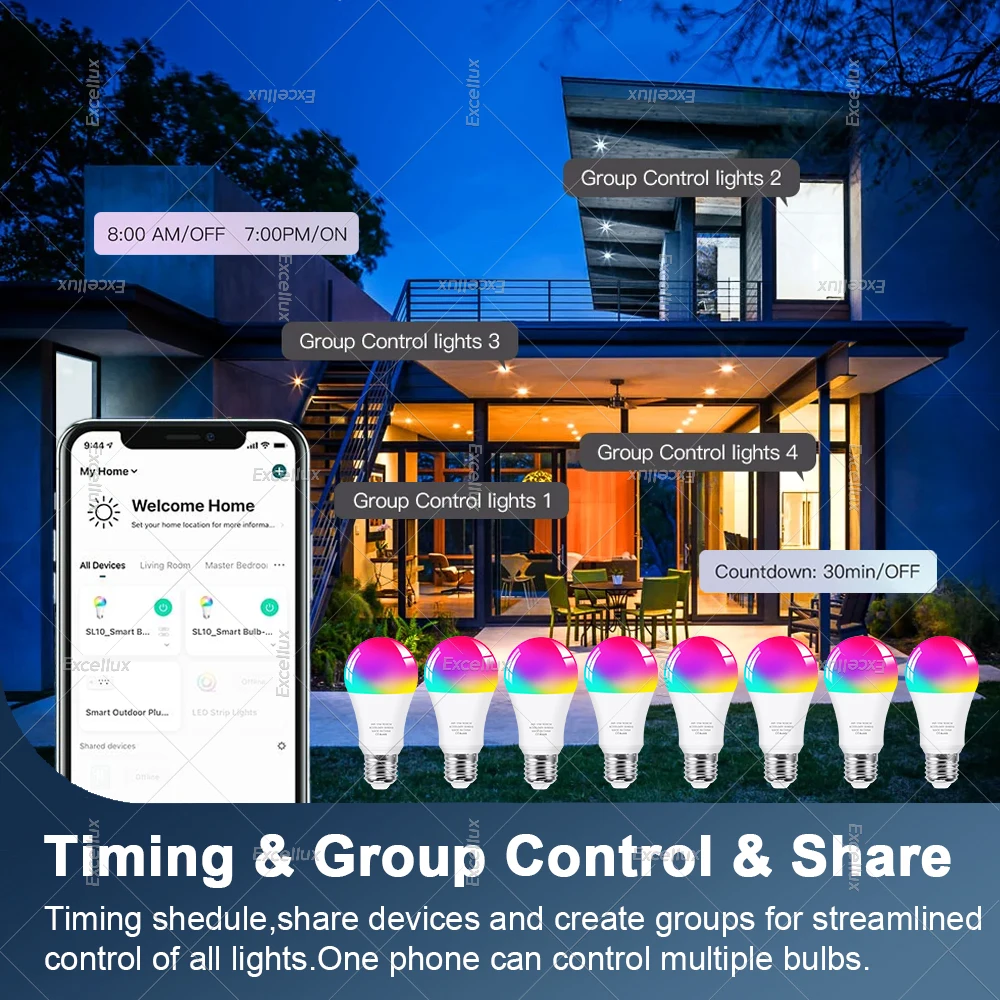
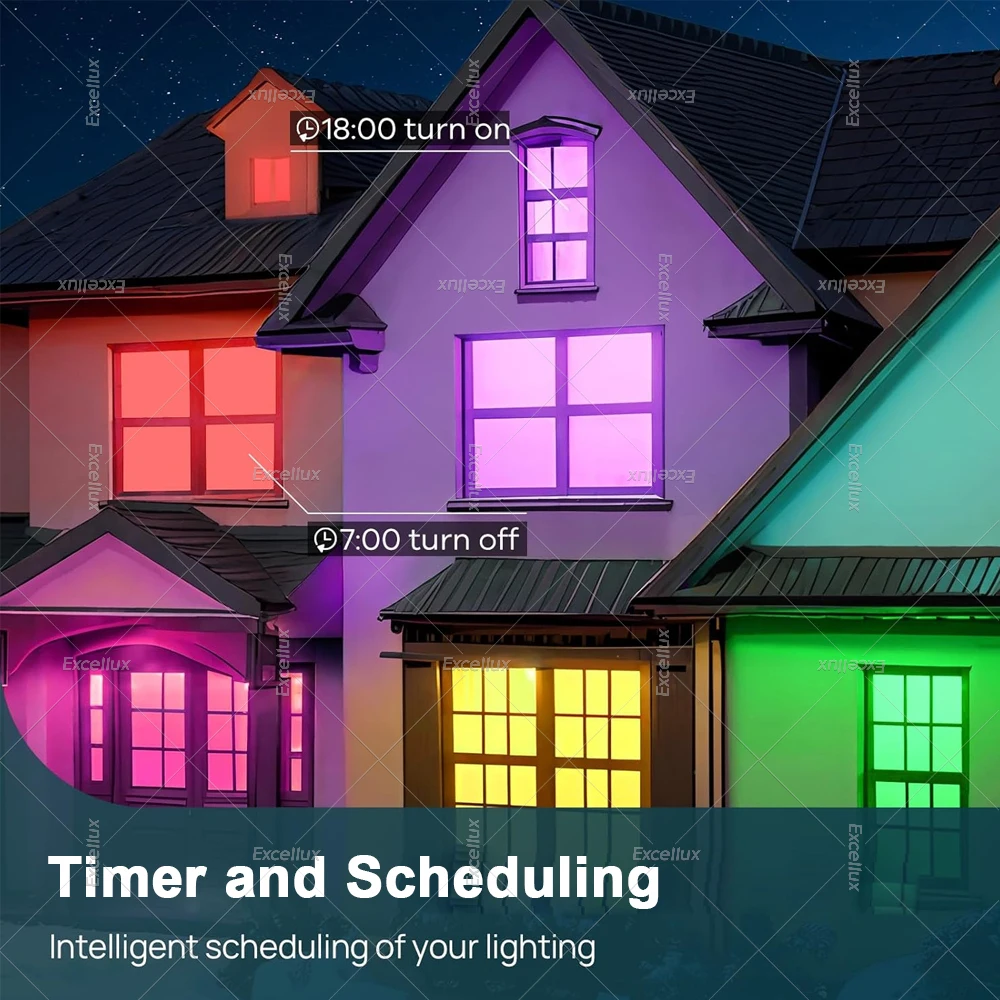
Wide Application and scene system: You can set different light modes on smart life to match various occasions including kitchen, living room, bedroom. Also can be used for table lamp, cafe, bar, party, etc. and have this functions Color Palette, Group Control, Sunlight, Timer, Sunrise, Sunset, Dimmable, Scene mode.